Stick with SearchAll — The whole internet, in one touch.
Create Desktop HomeScreen Shortcut
- Resize your web browser so that you can see both the browser and your desktop on the same screen.
- Push and Drag this button SearchAll.net out of the browser window.
- Drag the button to your desktop.
- Release the button to drop the shortcut onto the desktop.
- Double-click the shortcut at any time to open SearchAll.net in your default browser.

Resize Current Page in Popup (To Drag easy) Go to Home
Pin SearchAll.net to Windows Taskbar using Edge Browser
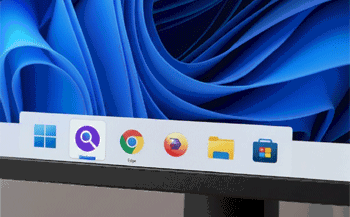
- Open SearchAll.net Microsoft on Edge Browser
- Click the three dots (ellipses) in the top-right corner of Edge to open the menu.
- From the drop-down menu, hover over More Tools.
- Select Pin to taskbar from the submenu.
A shortcut for the SearchAll.net will now appear on your taskbar, allowing you to easily access the site.
Open Image in New Tab Learn more..

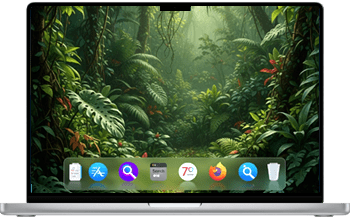
Add SearchAll.net to Dock using macOS Safari
- Open SearchAll.net in Safari
- Go to File > Add to Dock
Alternatively, click the Share button in the Safari toolbar and choose Add to Dock

